Two ways to play
Amazing Piano is built around two distinct experiences — each designed for a different mood and intention, but both engineered to keep users coming back.
Playground Mode
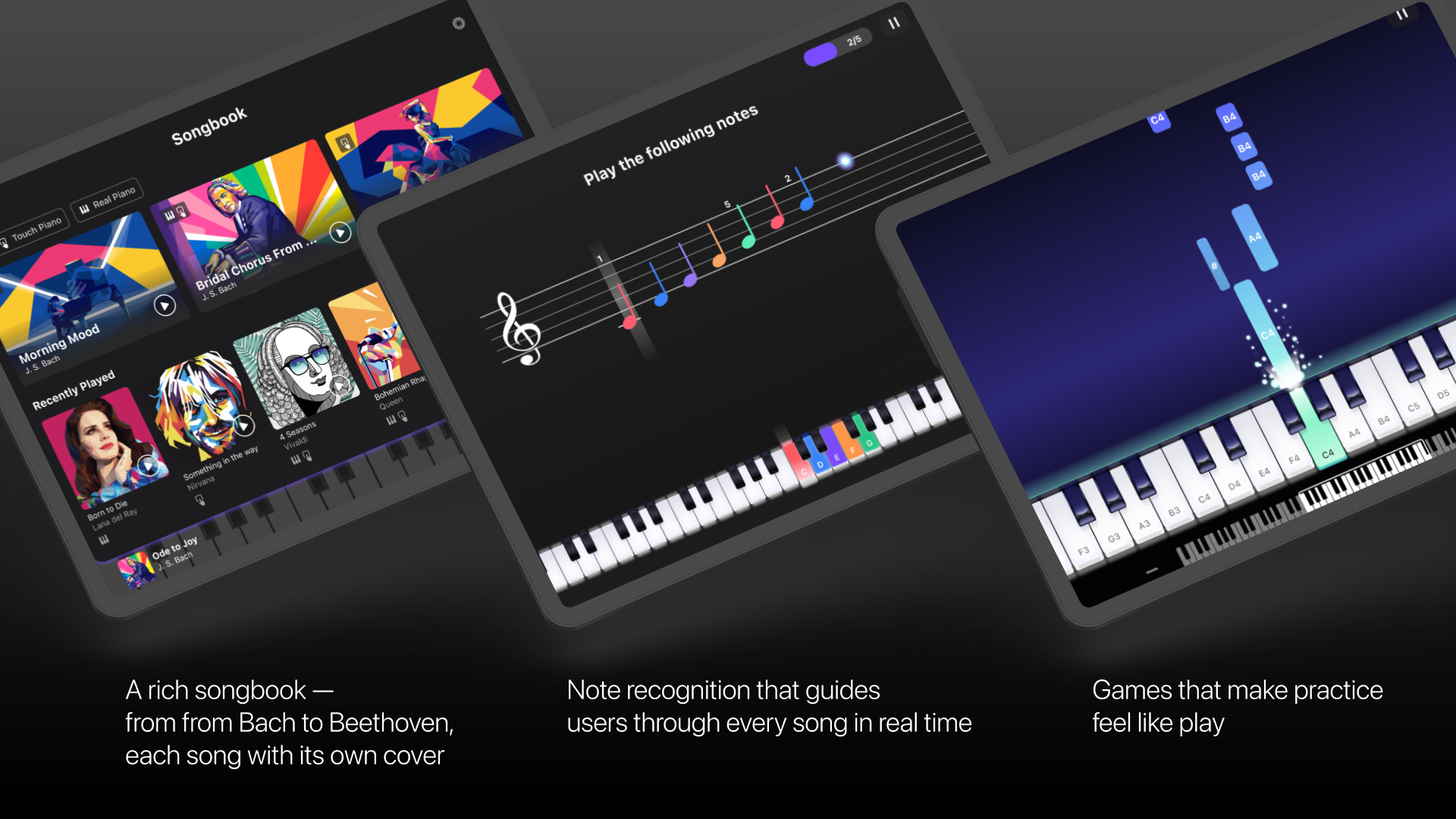
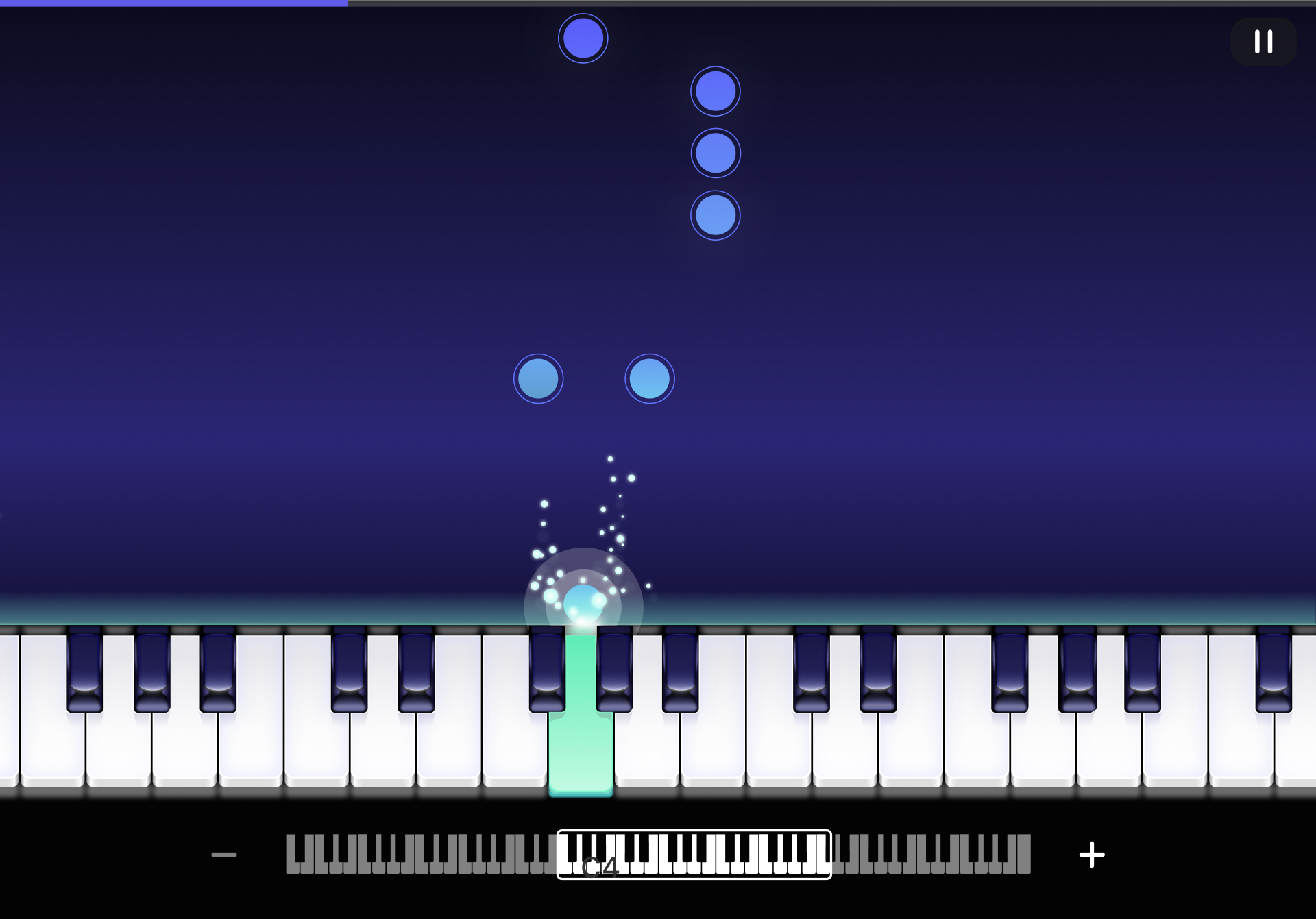
Gamified and designed for pure fun. Coloured tiles fall in time with the music — tap them as they hit the keys. No pressure, no wrong moves, just the satisfaction of playing along to real songs from the first session. It's the hook that gets beginners past the intimidation of a piano.
Practice Mode
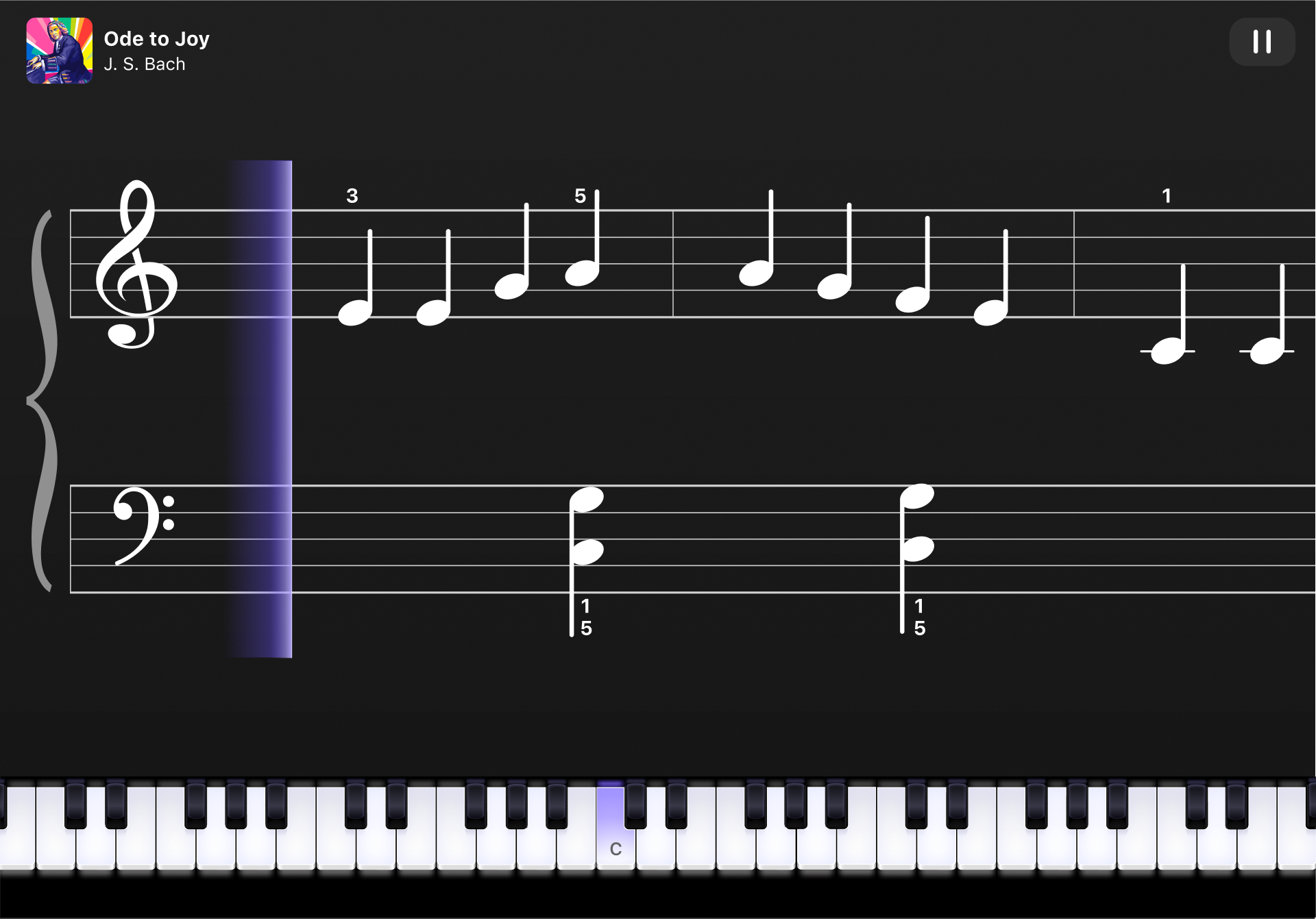
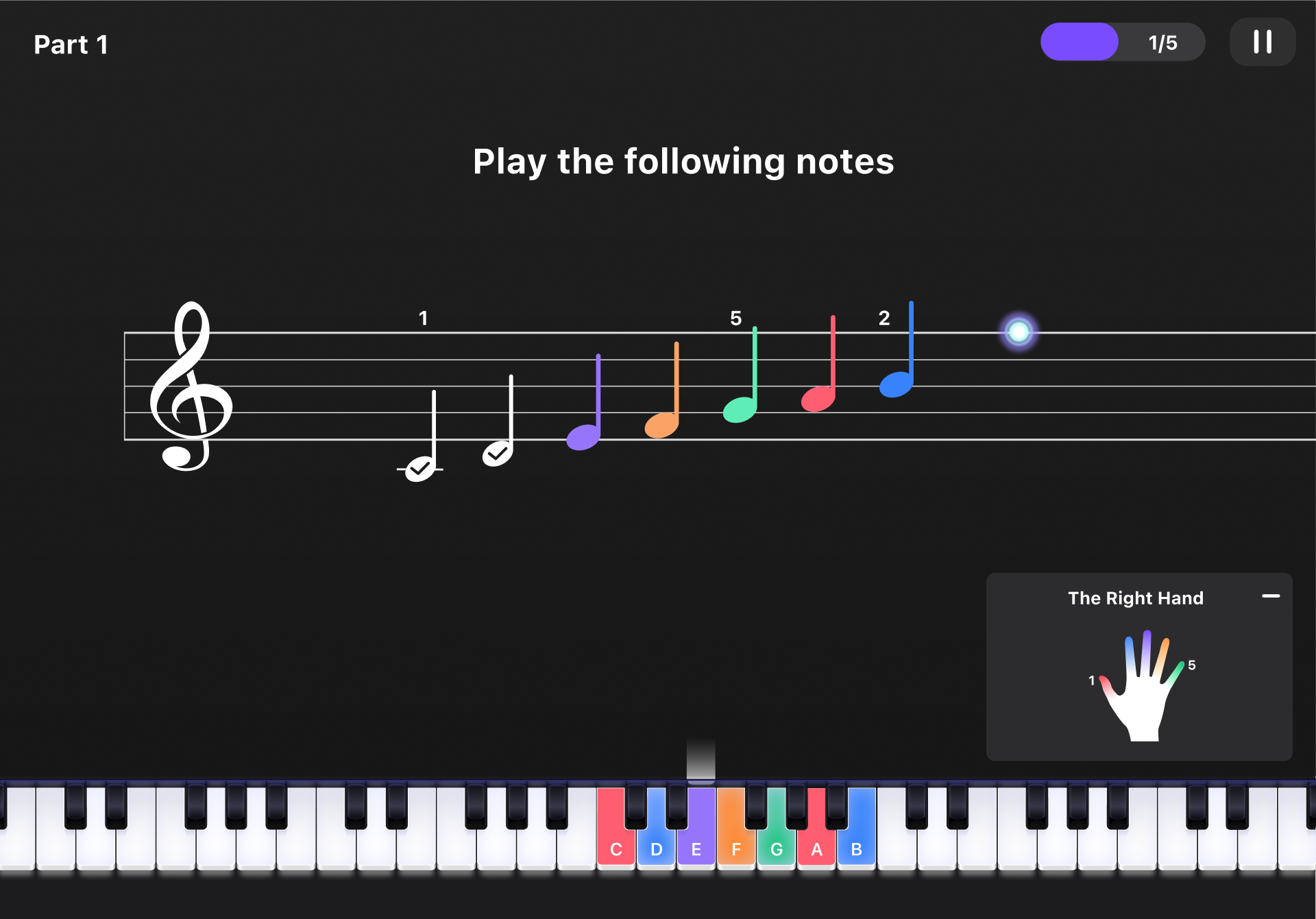
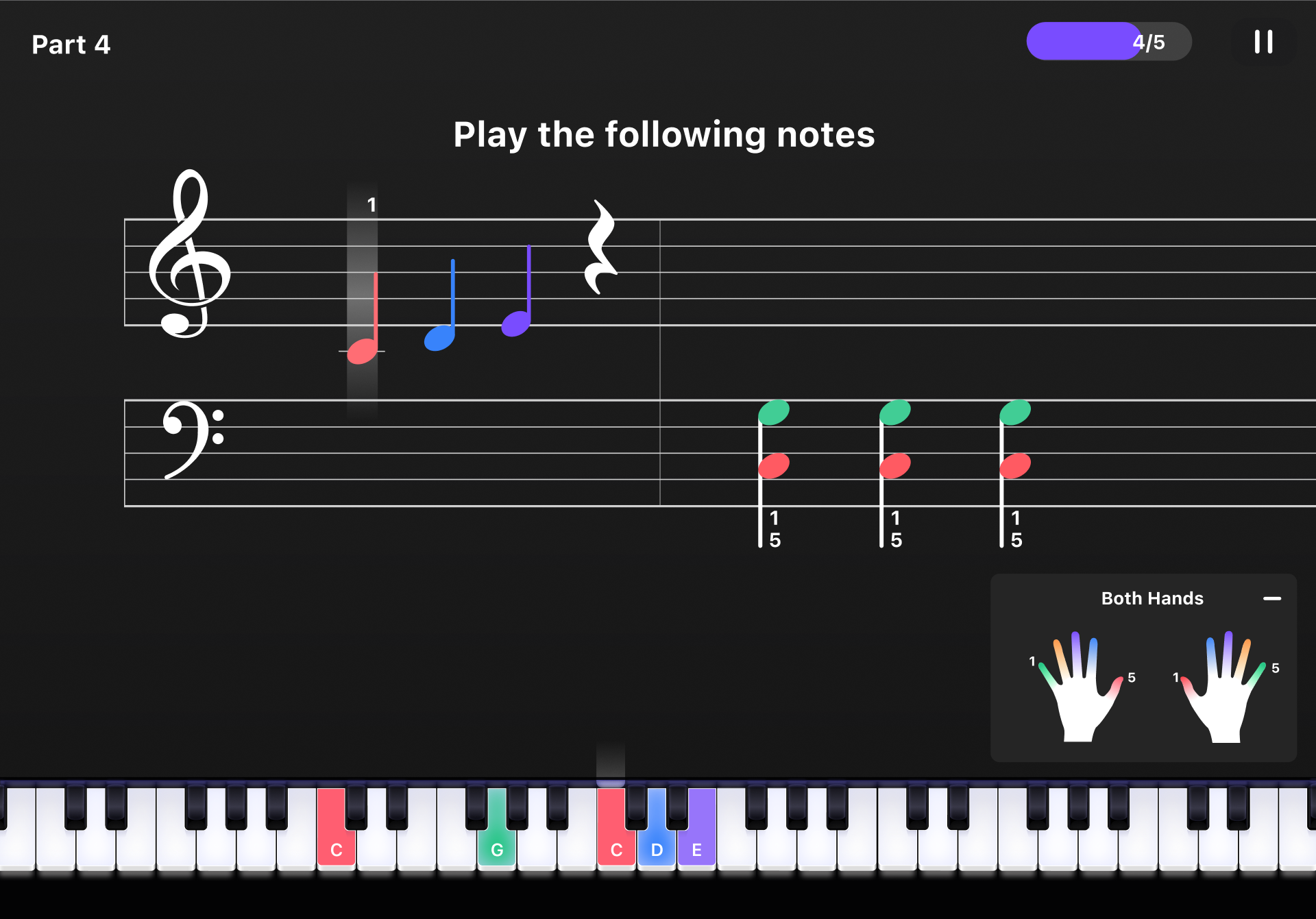
Structured for real learning. Users read notation, follow guided exercises, and build muscle memory through repetition — with real-time feedback on accuracy and timing. It's where engagement becomes skill.
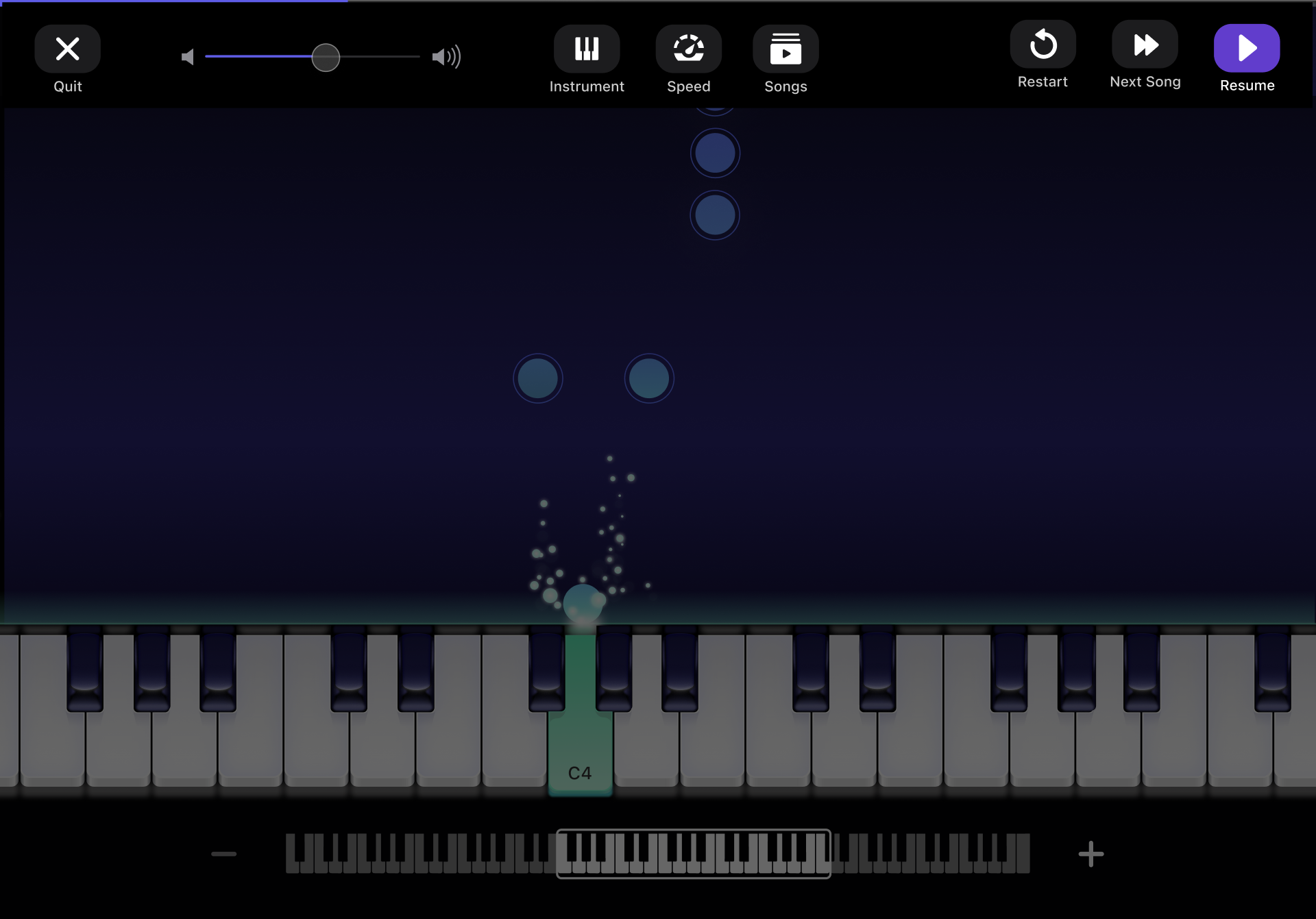
Performance Mode — real-time note guidance with finger placement feedback
Music theory, built in
Most piano apps skip music theory entirely or bury it in separate lessons. Amazing Piano treats it as part of the playing experience — woven into the flow, not bolted on.
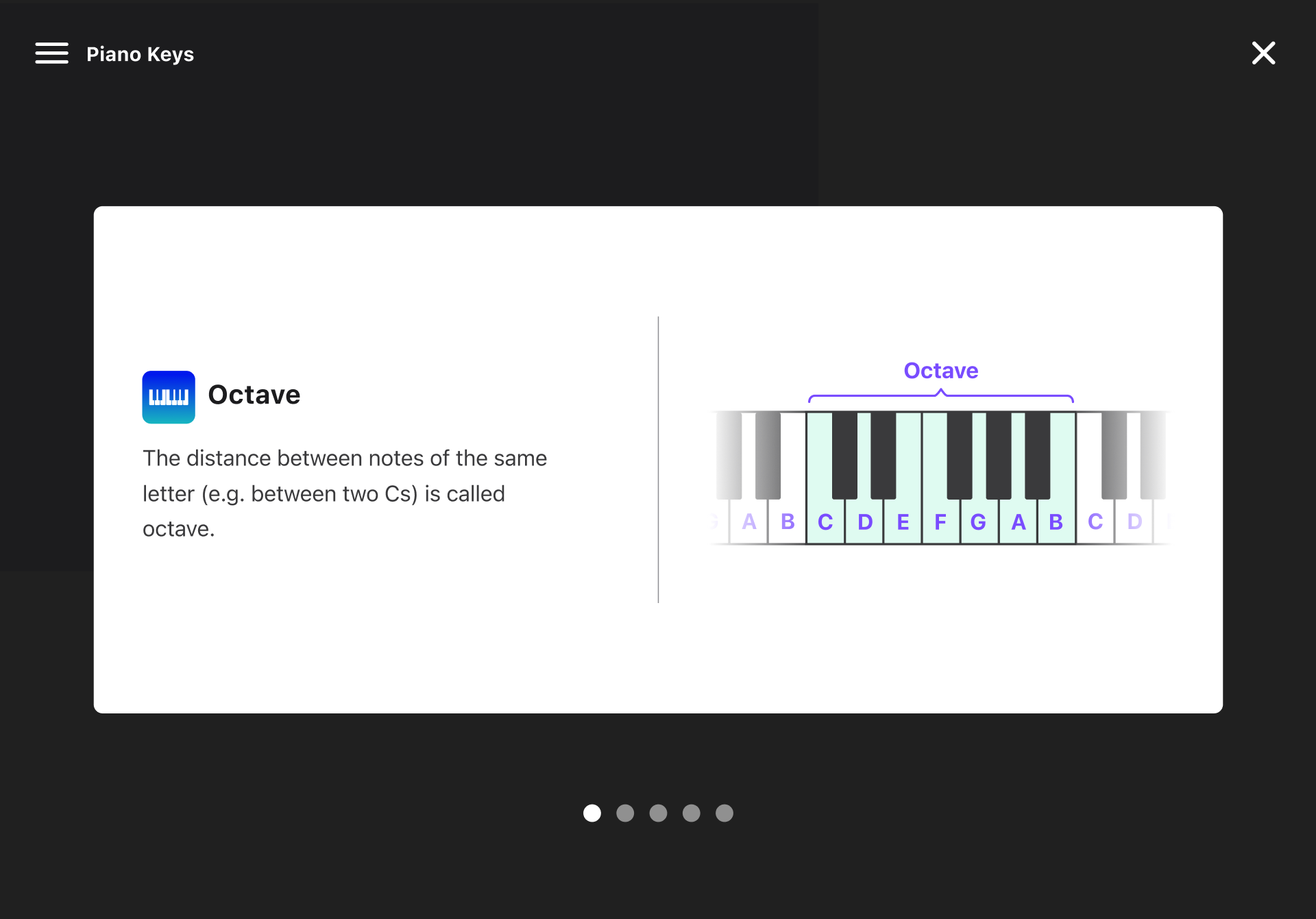
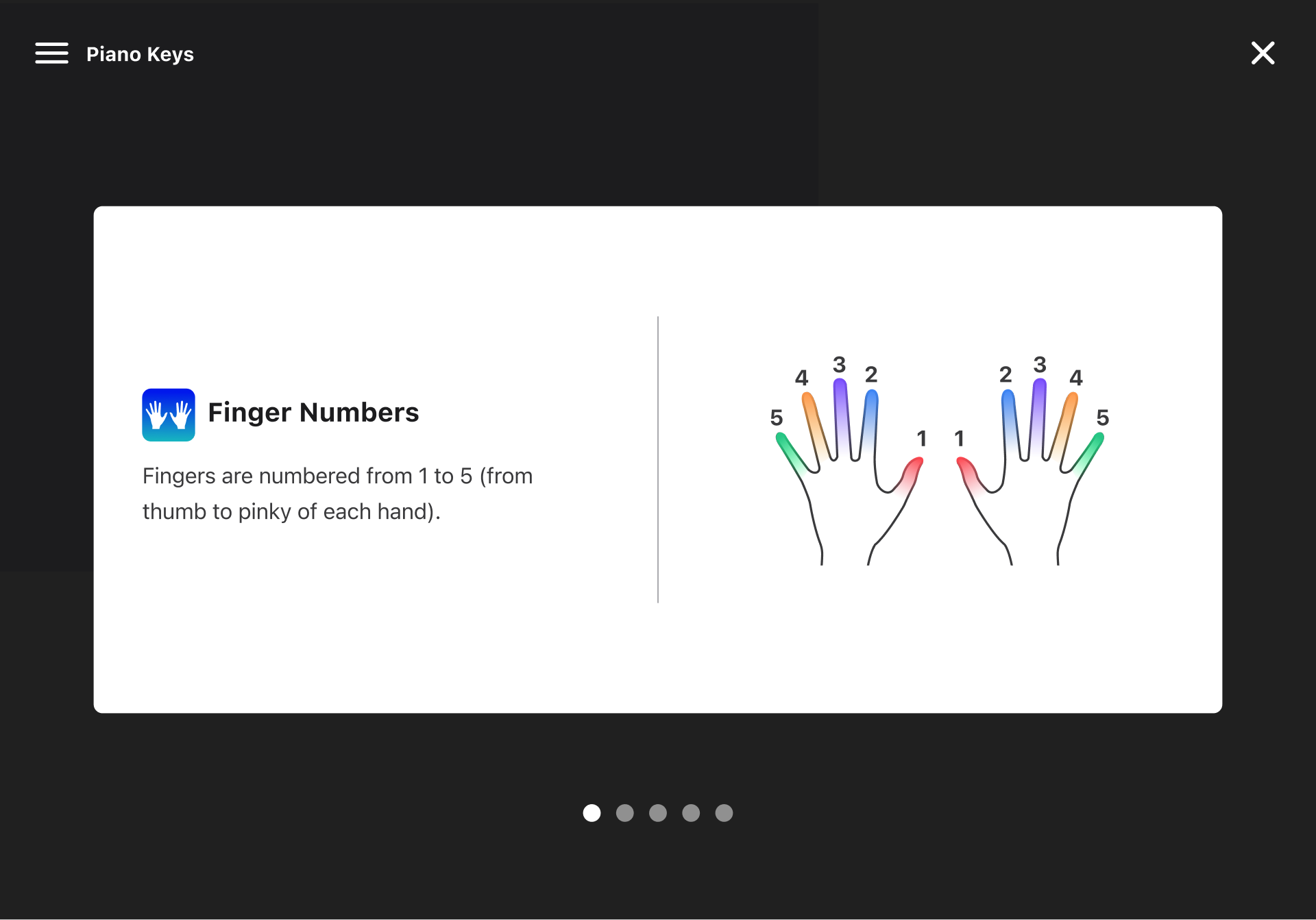
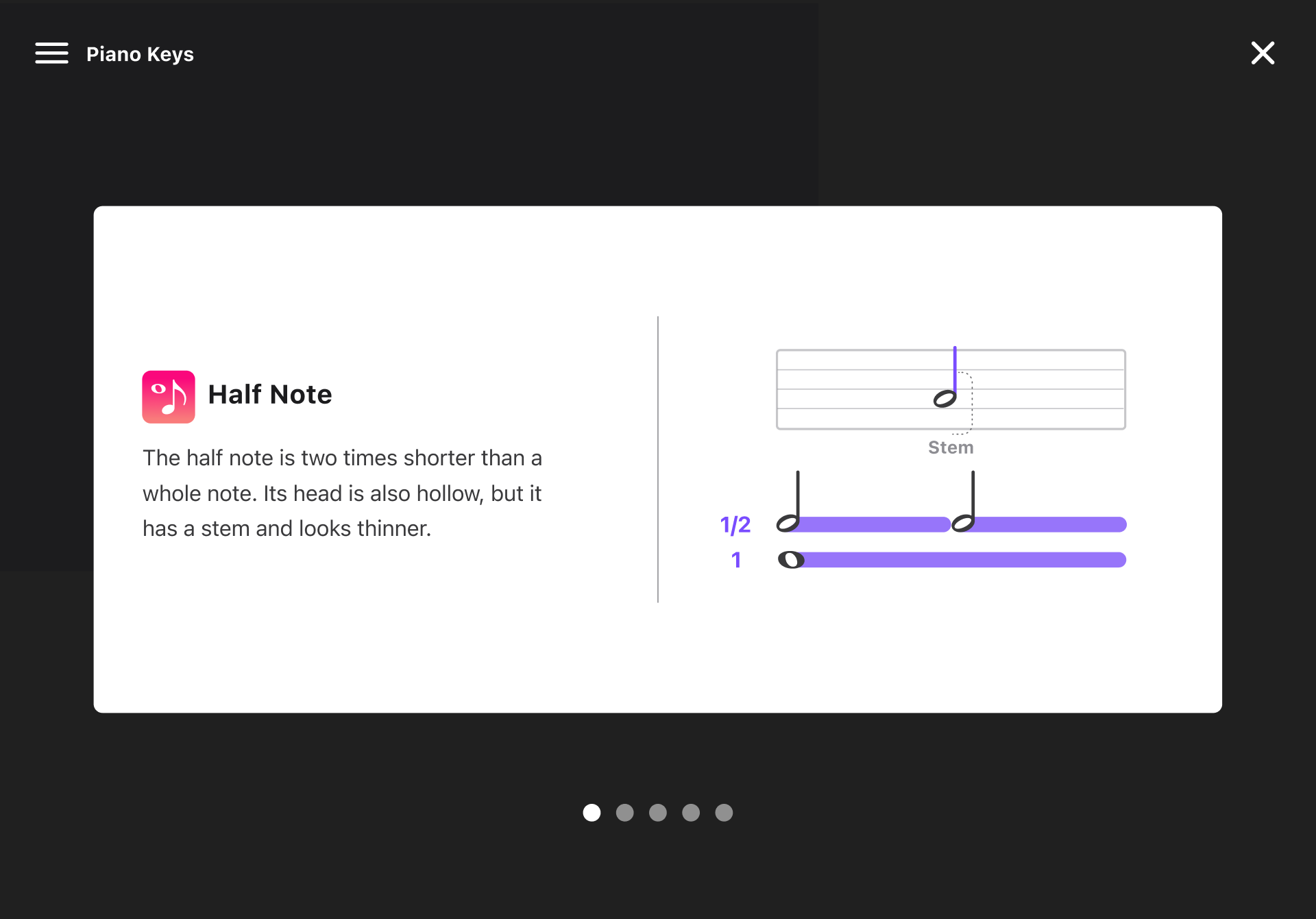
I designed and illustrated a full set of theory slides covering the foundations: notes and their positions on the staff, rhythmic values, key signatures, scales, and chord construction. The visual style was created from scratch — custom illustrations that make abstract concepts feel tactile and immediate.
The result is a player who doesn't just follow the notes — they start to understand why they work.
Motion, interaction & celebration
Three areas where motion and interaction design carried the most weight.
Motion design
Every transition, note animation, and onboarding flow was choreographed to feel responsive and alive — reinforcing the sense that the app reacts to the player, not the other way around.
Interactive playground
The falling-tile experience was designed to be immediately playable and visually clear — colour-coded keys, smooth timing, and instant feedback that makes a complete beginner feel like they can actually play.
Congratulation screens
Completion moments were treated as full design beats — illustrated, animated, and emotionally rewarding. Turning the end of a session into something worth coming back for.
Lesson transitions — animated flow between practice stages
Congratulations screen — score reveal after completing a practice session